From React to React Native: What Changes and What Doesn't
Components, props, state and hooks carry over directly. Layout, navigation, performance and releasing apps are where web developers need to adjust.
If you already know React, you are well placed to build mobile apps with React Native. Components, props, state and hooks work exactly as they do on the web. But a phone is a different platform, and a handful of differences catch almost every web developer out at first.
What stays the same
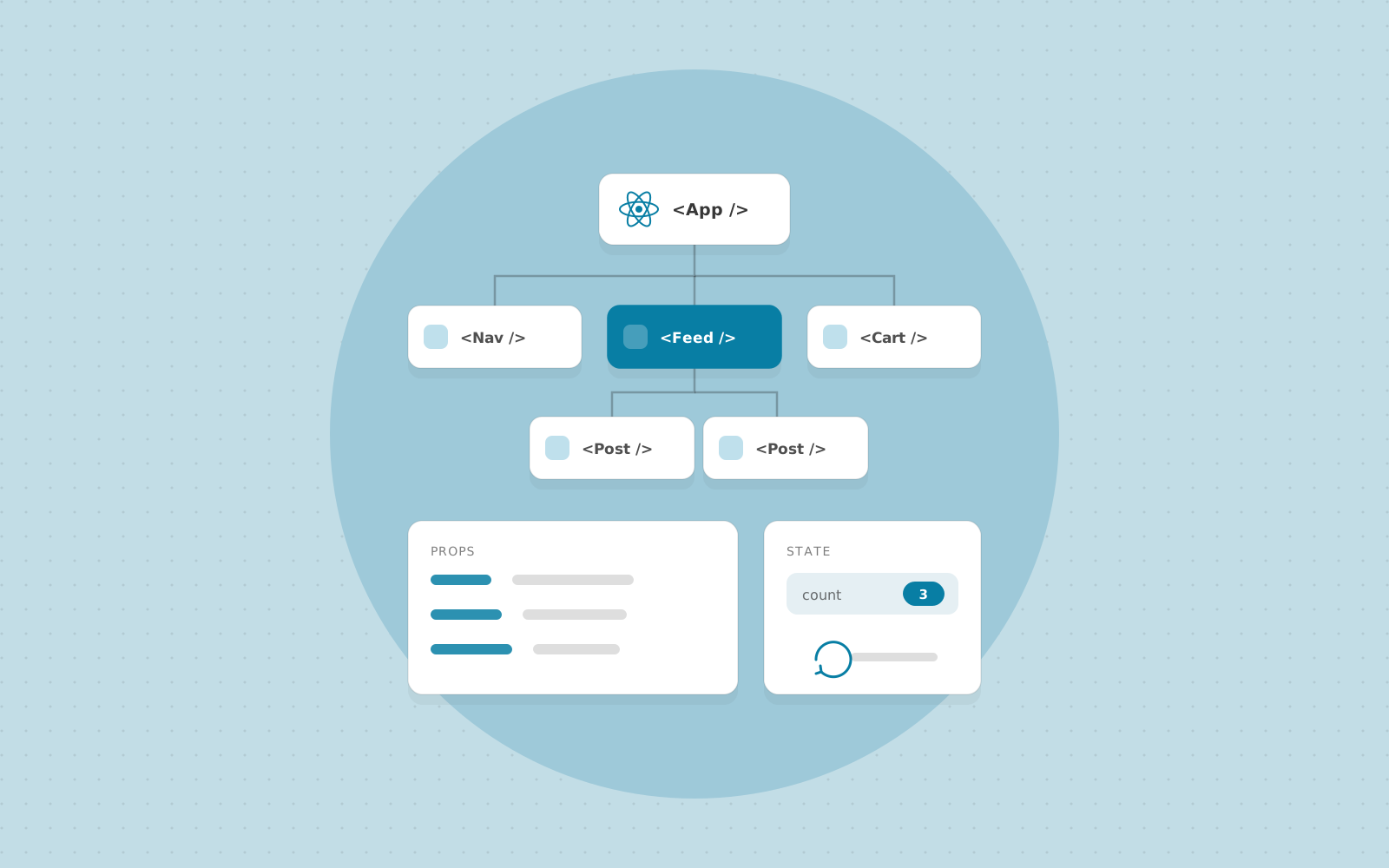
Your mental model transfers completely: build a tree of components, keep state where it belongs and pass data down. Hooks, Context, and most data-fetching and state libraries, such as TanStack Query and Zustand, work on both platforms. So does most of your TypeScript and general JavaScript code.
No HTML and no CSS files
React Native does not render a web page. It renders real native views. Instead of div, span and img, you use View, Text and Image. All text must sit inside a Text component.
Styling uses JavaScript objects, usually created with StyleSheet.create, and layout is done with Flexbox. Two things differ from the web: flexDirection defaults to column, and there is no cascade, so styles do not inherit from parent components (with the exception of some text styles inside nested Text). Units are density-independent numbers, not pixels or rems. Many web features, such as CSS Grid and hover states, either do not exist or work differently.
Navigation is its own subject
Mobile users expect screens that stack and can be swiped back, tab bars along the bottom, and modals that slide up. There is no browser history or URL bar to rely on. Expo Router provides file-based routing, which will feel familiar if you have used Next.js, and React Navigation is the library underneath. Take the time to understand how stacks, tabs and nested navigators combine, because most navigation bugs come from that.
Handling the device
Phones add things a browser rarely deals with: the keyboard covering inputs, notches and safe areas, different screen sizes, permission prompts for camera, location and notifications, and the app being backgrounded or killed at any moment. Using Expo's libraries for these saves a lot of native code, and you should test each permission flow, including what happens when the user says no.
Performance is easier to notice
Phones have less memory and processing power than laptops, and dropped frames are easy to feel. A few habits help:
- Use
FlatListor a similar virtualised list for long content instead of mapping thousands of items into aScrollView. - Avoid unnecessary re-renders in lists, and keep heavy computation out of render.
- Optimise image sizes, and cache what you download.
- Test on a real mid-range Android device, not just a simulator on a fast computer.
Test on the phone your users actually own, not the one in your pocket.
Releasing is a process, not a deploy
On the web, you push and everyone has the new version in seconds. On mobile, you build the app, submit it to the App Store and Google Play, wait for review and then wait for users to update, which some never do. Old versions of your app will be calling your backend for months, so the API must stay backwards compatible. Over-the-air updates, such as Expo's EAS Update, can ship JavaScript changes without a store review, but changes involving native code still need a new build.
A sensible way to start
Begin with Expo, which removes most of the native tooling setup. Rebuild a small web project you already know, such as a to-do list or a notes app, as a mobile app. You will meet each of the differences above in a context you already understand, which is the fastest way to learn them.
Want to learn React Native properly?
Join a live, mentor-led cohort and build real projects. We reply within one business day.